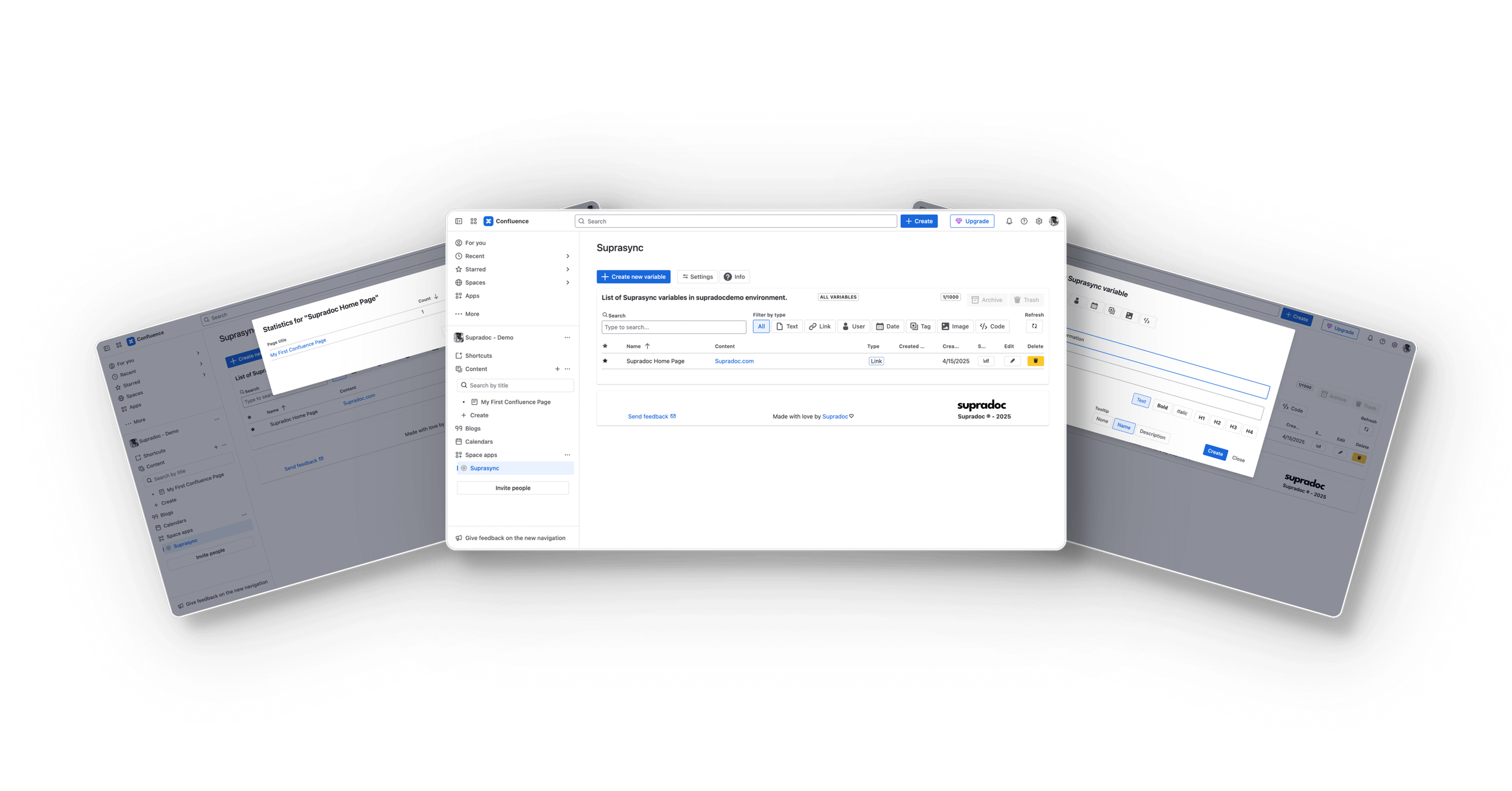

Suprasync

Screenshot of a computer screen displaying a web interface for managing variables in the Supradoc environment, with a black background.
Icon with a white atom symbol on a blue rounded square background.

Elevate Your Confluence Experience

Suprasync® brings the magic of dynamic variables from codebases to documentation. It turns static pages into living, consistent, automatically updated knowledge base. This is achieved with reusable variables that sync across your entire workspace. Suprasync keeps your content accurate, aligned, and effortlessly maintained.

Suprasync® is made to simplify your workflow! Update your variables in one place, and see the changes reflected everywhere instantly!

✅ 30-day free trial
✅ Always free for teams of up to 10 users

Get now on Atlassian Marketplace

Why Teams Choose Suprasync

  • Update information in a central location and see it change wherever it’s used.

  • Stop copying and pasting the same content across multiple pages. With Suprasync, only one update is needed.

  • Prevent outdated or inconsistent information by making the right thing, the easy thing.

  • Focus on creating valuable content, not managing repetitive updates.
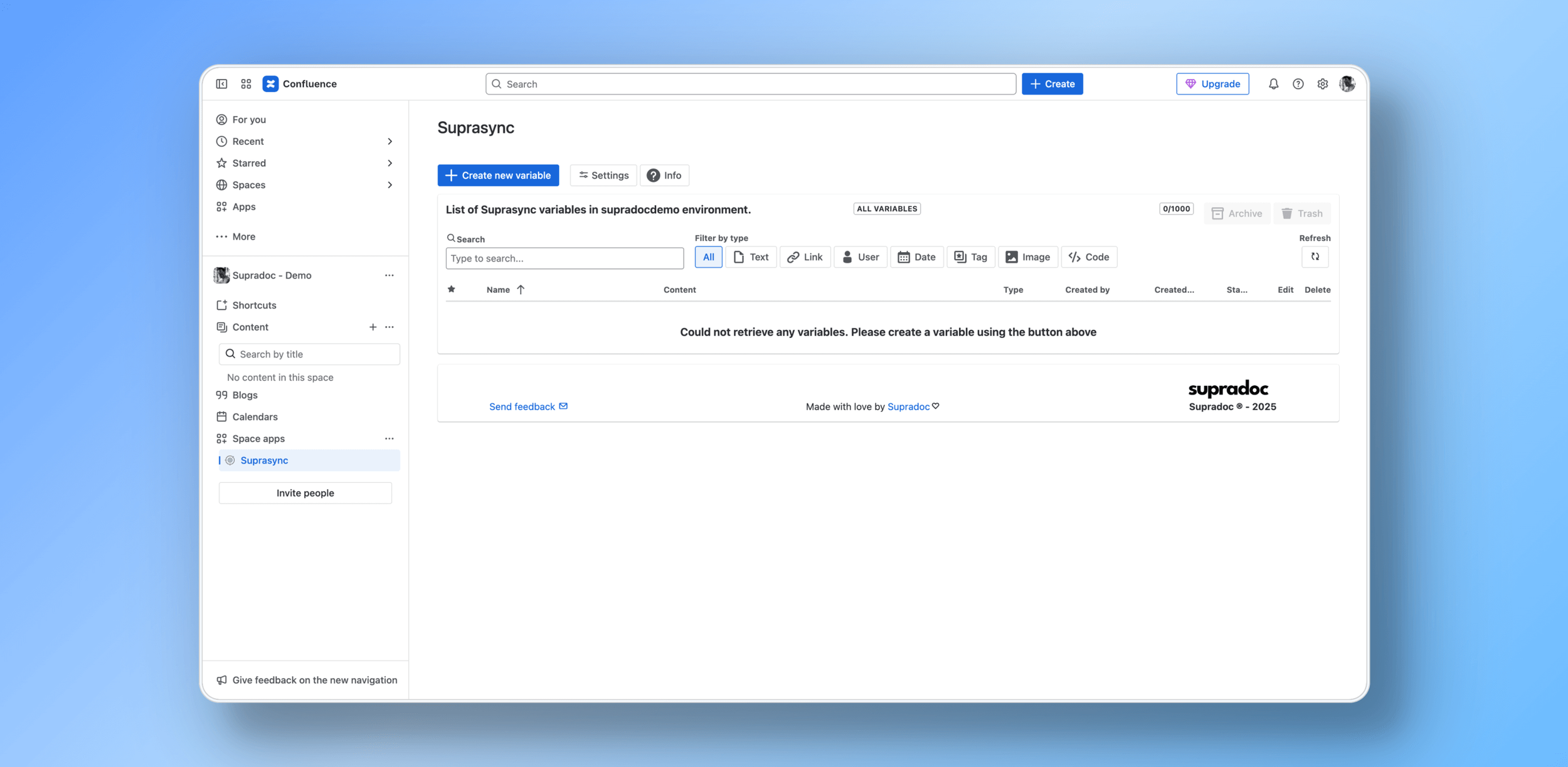
  • Screenshot of a computer screen displaying a Confluence workspace named 'Suprasync,' with a list of variables in a section titled 'List of Suprasync variables,' showing no variables created yet and a message instructing to create a variable using a button above.

    Central page to manage your important information

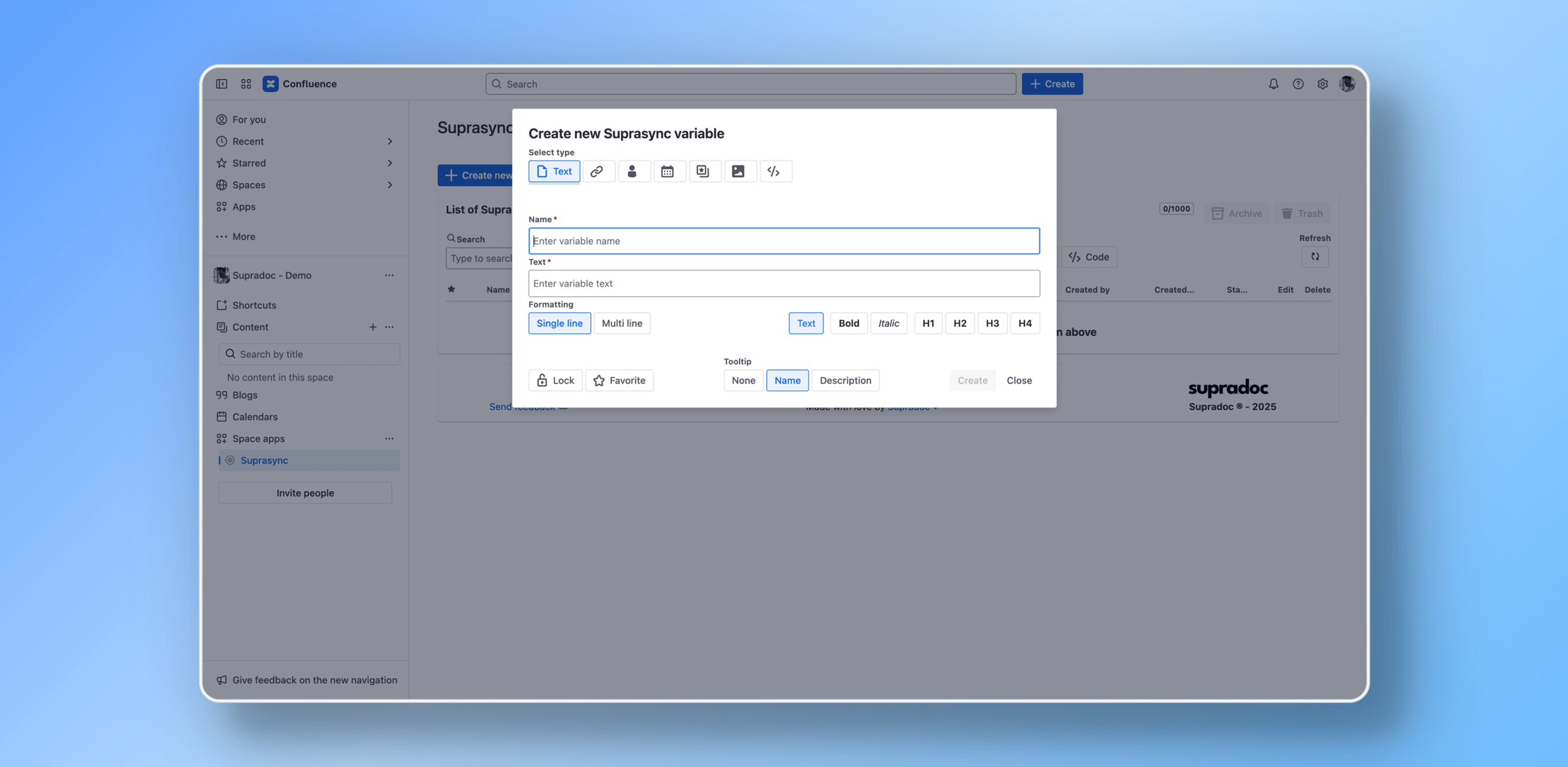
  • Screenshot of a computer screen showing a Confluence workspace. In the foreground, a pop-up window titled 'Create new Suprasyncx variable' with options to enter a variable name, text, formatting, tooltip, and buttons for 'Create' and 'Close'.

    Create new variable (Choose from 7 types)

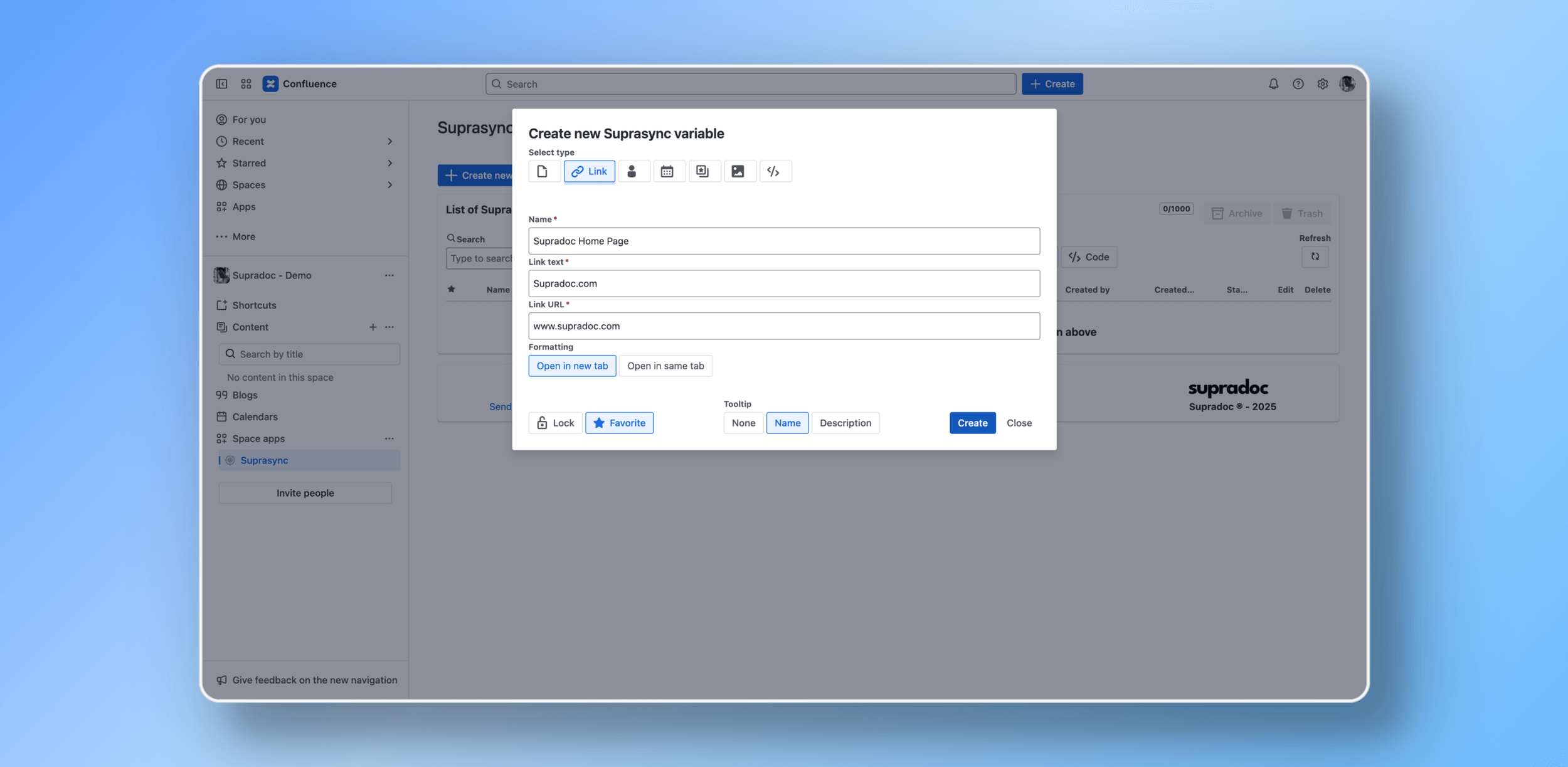
  • Computer screen showing a Confluence page with a dialog box open for creating a new link titled 'Supradoc Home Page', linking to 'www.supradoc.com', with options to open in a new tab or same tab, and buttons for creating or closing.

    Create a new link variable

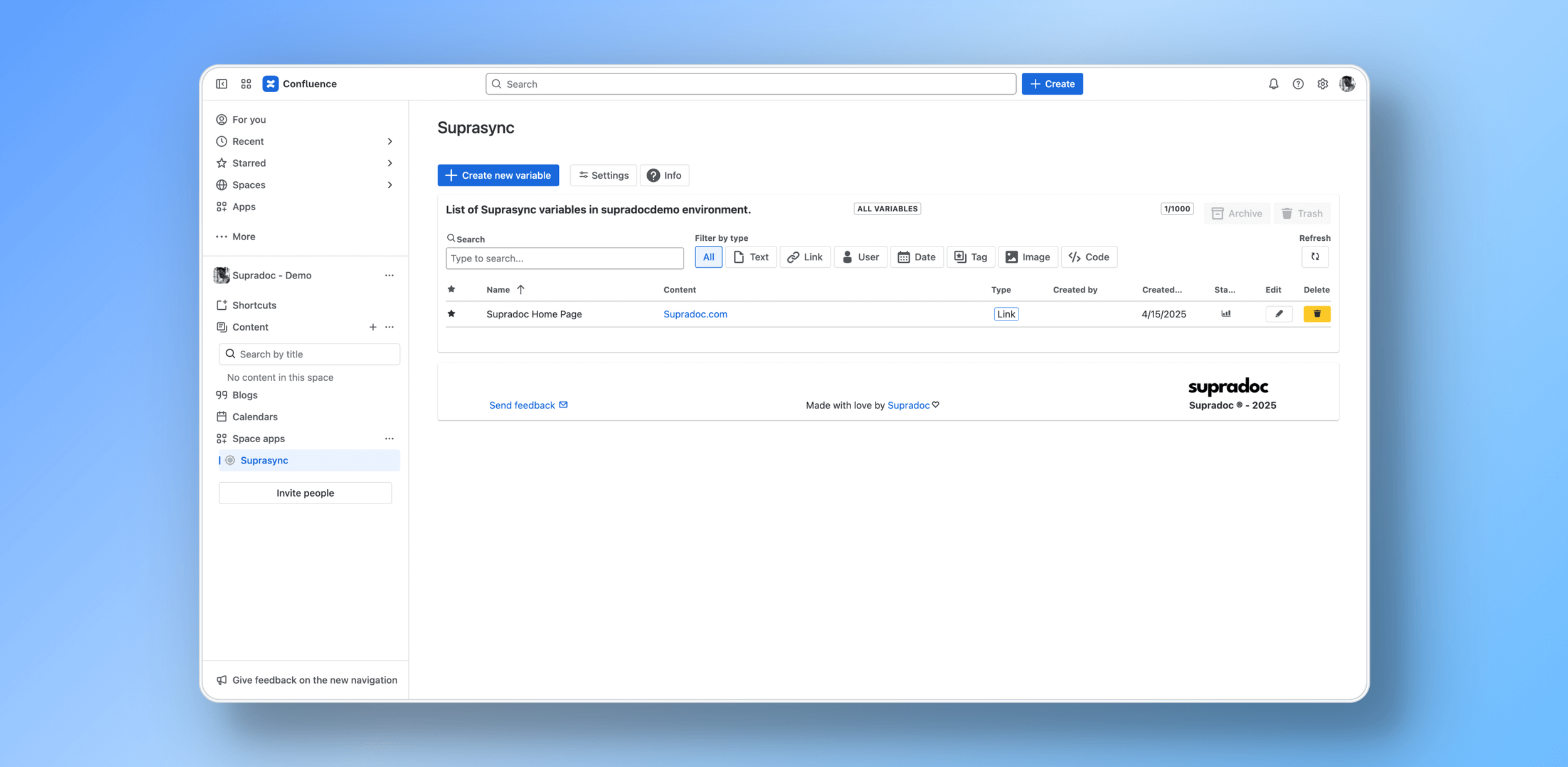
  • Screenshot of a computer screen showing a web application called 'Confluence'. The page is titled 'Suprasync' and displays a list of variables with a link called 'Supradoc Home Page.' The interface includes navigation on the left sidebar, a search bar at the top, and options for creating and managing variables.

    Finished variable is ready to be used

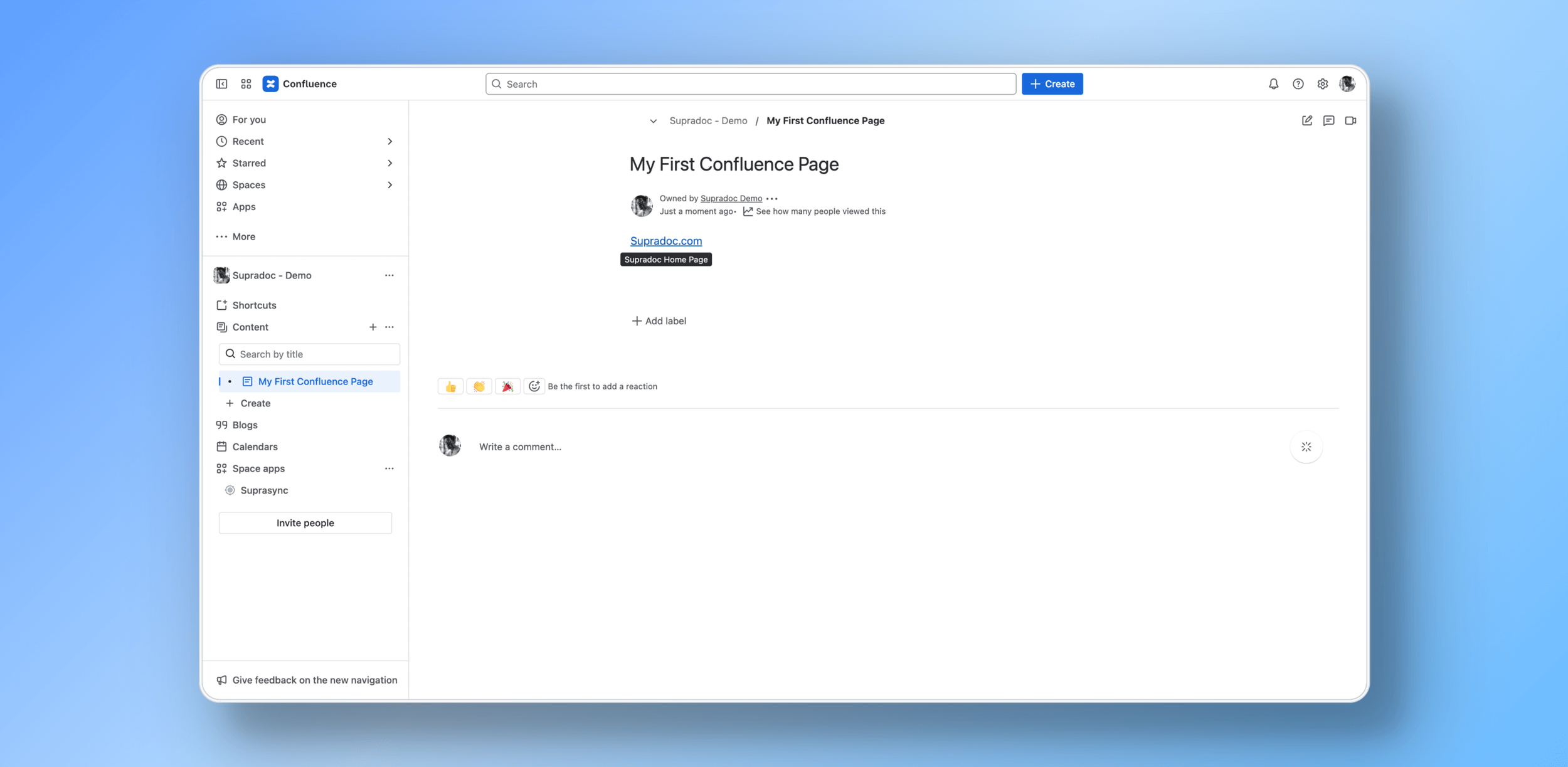
  • Screenshot of a Confluence page titled 'My First Confluence Page' with navigation menu on the left and content area in the center, displaying contacts, reactions, and comment sections.

    Use variable in any page

Key Features

Frequenctly asked questions

  • Suprasync runs on Atlassian Forge and adheres to a zero‑egress model. Your content remains within Atlassian’s cloud boundary.

  • Yes. You get full history, archiving, and restoration for safe change management

  • Yes. We support 14+ languages and locale-friendly formatting. More can be easily added upon request!


  • It’s on our roadmap and will be added as soon as Atlassian allows multi-app installs in the marketplace (Currently planned for Q4/2025).

Testimonials

Suprasync®